
Office 365 and BIM 360 Docs
Updated: May 19, 2025
Autodesk has now made it possible to edit Office 365 documents such as Word, Excel and PowerPoint directly in BIM 360. Version history and all other benefits of BIM 360 and Office 365 are honoured when editing documents in BIM 360. Meaning your team will always know which is the current schedule or document.
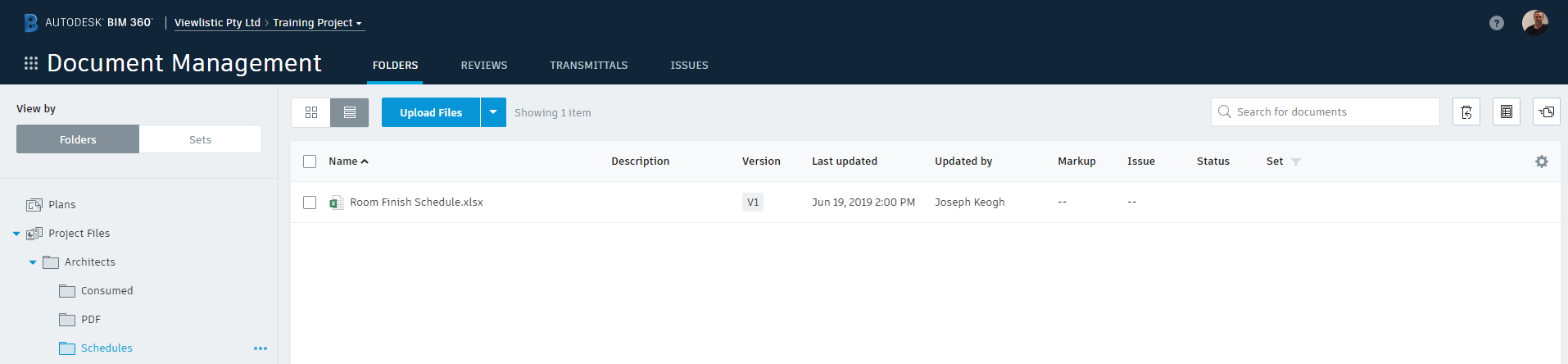
To view a document from BIM 360, simply click on it.

To edit the documentopened in BIM 360, click edit in browser.

Once you are finished click Return, to return to BIM 360 and your version will be updated. documents auto-save while editing.


Comments